
I'm Vitaly Sukhina, founder of Sense Group. I've spent the better part of 14 years putting commercial security camera systems into warehouses, retail floors, and corporate offices across the Greater Toronto Area. In that time I've seen plenty of setups that looked great on a spec sheet and fell apart the first cold January night. So I want to walk you through what a proper business camera setup actually looks like in 2026 - the planning, the gear, the placement, and the Ontario rules most installers forget to mention.
This is a long one, but stick with me. By the end you'll know how to scope a system, where to mount cameras, what resolution you really need, how to keep the footage off your business network, and how to stay on the right side of PIPEDA. If you'd rather hand the whole thing off, that's what our security system solution team does every day.
Why a "Set It and Forget It" Camera Kit Doesn't Cut It for Business
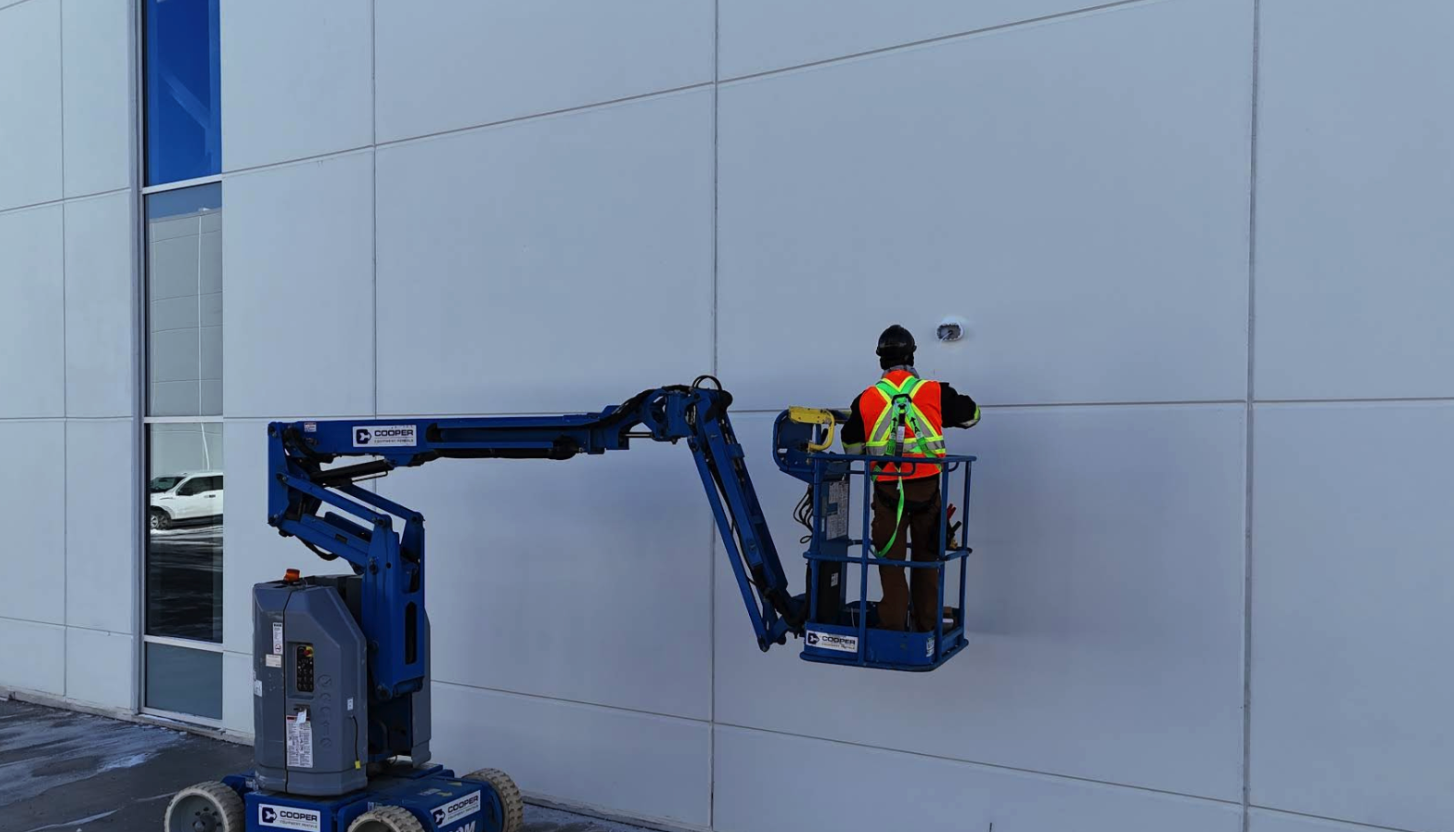
Here's the hard truth. The four-camera box kit from a big-box store is built for a house, not a loading dock. Commercial security systems take far more abuse than residential ones - power fluctuations, severe temperatures, round-the-clock operation, and the need to deliver dependable footage at any hour. A retail break-in at 3 a.m. doesn't care that your camera "usually" works.
A business setup is a system, not a gadget. A full commercial setup usually combines video cameras, a network or digital video recorder, remote monitoring, access control, and door entry or intercom systems - layered so one failure point doesn't leave your property exposed. That layered approach is the whole game. Get it right and you've got a tool that prevents loss, settles disputes, and pays for itself. Get it wrong and you've got expensive wall decorations.
Step 1: Plan Before You Buy a Single Camera
Most botched installs I get called to fix share one root cause: nobody did a site survey. Before picking gear, walk your property and answer these questions.
What are you actually protecting? Inventory, cash points, entrances, parking, equipment yards - each demands a different camera and angle. A warehouse aisle and a retail till need very different lenses.
Where are the blind spots? This is where DIY usually slips. Professional installers run site surveys that find blind spots DIY placement misses, and varifocal lenses let you fine-tune the field of view after mounting without moving the hardware. That varifocal point matters more than people think - it saves you from drilling new holes a week later.
How many cameras, realistically? For many small businesses, a PoE camera system with 4 to 16 cameras and an NVR is the best starting point - reliable recording, remote viewing, no monthly fees, and room to expand. Don't over-buy on day one. Cover your priorities, leave headroom on the recorder.
Step 2: Pick the Right Technology - IP Beats Analog for Business
This isn't close anymore. IP-based systems dominate commercial installations in 2026, offering 4K and even 8K resolution, Power over Ethernet that simplifies installation, and advanced analytics. One cable per camera carries both power and data, which makes for a cleaner install and far easier expansion.
The bandwidth math is real, though, and it's where amateur setups choke the network. Each HD camera pulls 2-4 Mbps, while 4K cameras need 8-15 Mbps depending on compression and frame rate. Multiply that across 12 cameras and you'll understand why your recorder and switch selection isn't an afterthought.
A quick word on the recorder. Your NVR is the brain of the system - it handles recording, storage, and retrieval. But there's a newer option worth weighing for multi-site operators. Cloud-native platforms remove the need for dedicated NVR hardware, sending metadata and video to the cloud while running analytics at the camera edge, which keeps bandwidth low and response times fast even on busy networks. If you run five locations across the GTA and want one dashboard, that architecture is hard to beat.
In our installs we deploy brands like Axis, Verkada, Ubiquiti, and UNV depending on the job - enterprise-grade kit that holds up in Ontario conditions.
Step 3: Camera Placement That Actually Works
Resolution doesn't save a camera pointed at the wrong spot. Here's how I think about positioning by environment.
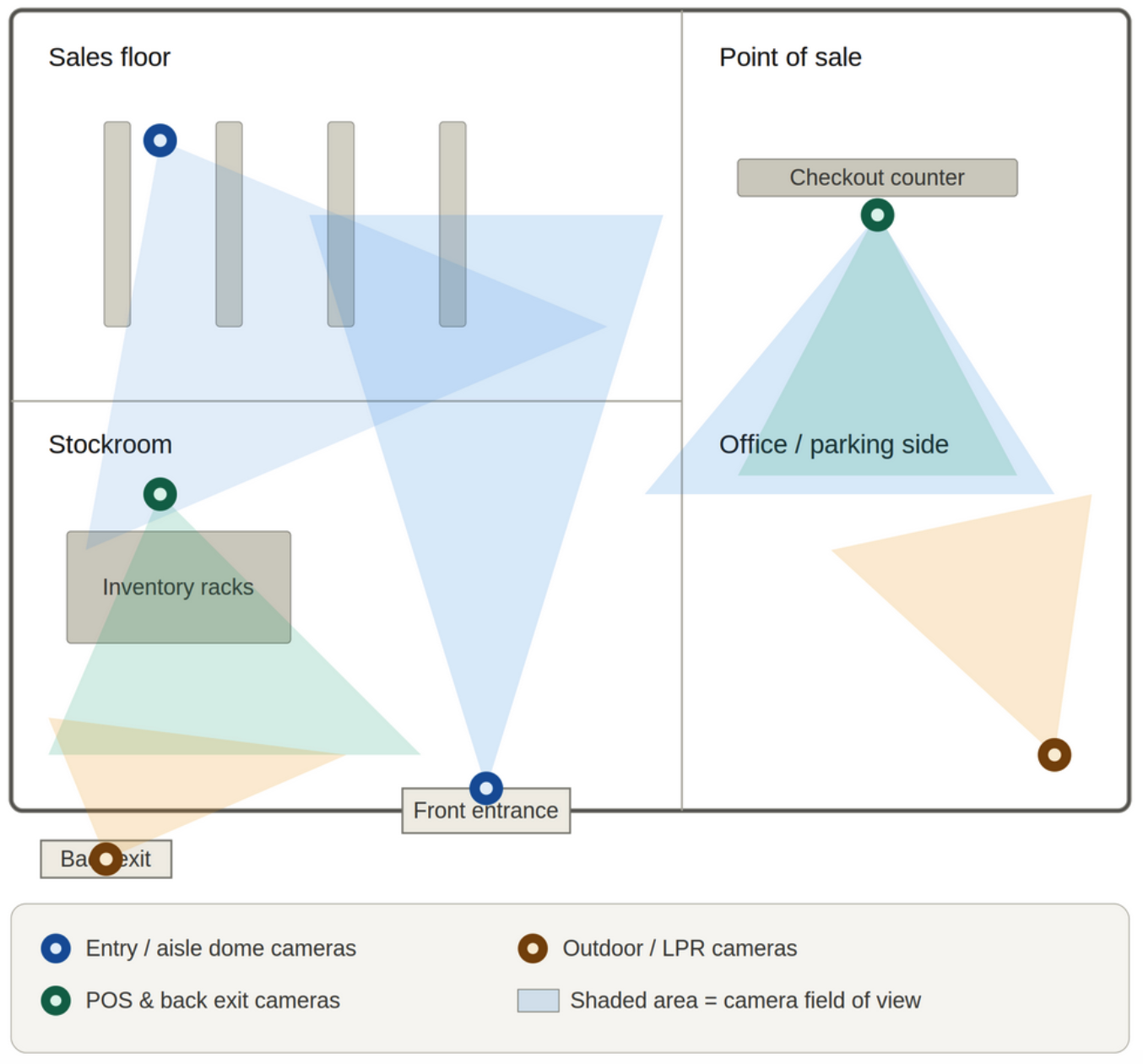
For retail and office spaces, cover entrances, exits, point-of-sale or reception, and any high-value storage. Entrances, corridors, parking structures, and reception areas are appropriate camera positions for office and commercial buildings, while private offices and meeting rooms require a documented justification before placement. That last part isn't optional in Ontario - more on that below.
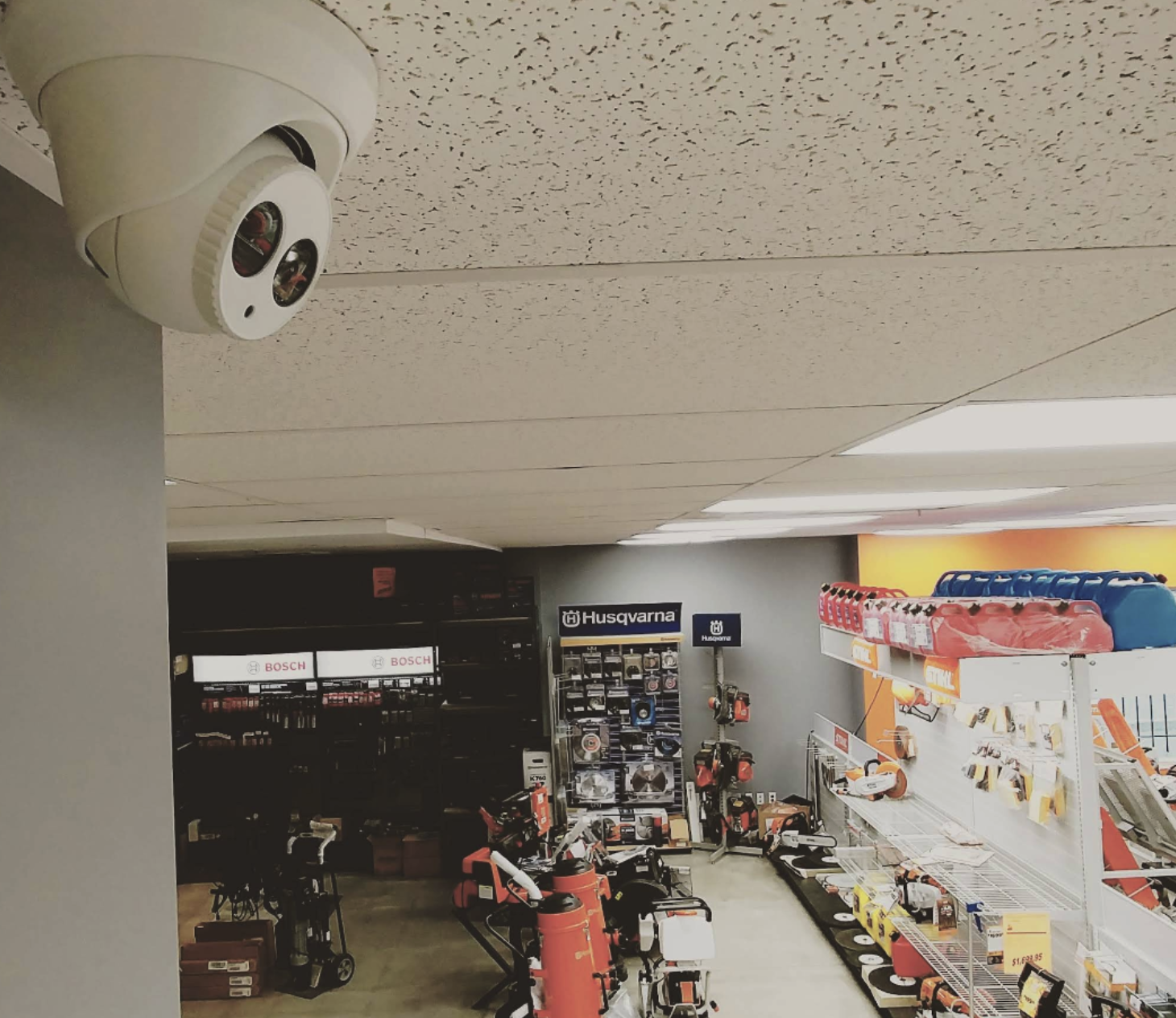
For warehouses, dome cameras earn their keep. Dome-based surveillance works well for inventory aisles, employee work areas, and indoor storage, and businesses often choose them for reliability and a discreet look. Pair them with a couple of wide-coverage units watching the loading bays.
For parking lots and yards, mount high, use weather-rated housings, and consider license plate recognition cameras at the entry choke point so you capture plates, not just blurry car shapes.
Step 4: Put Cameras on Their Own Network - This Is Non-Negotiable
If you take one technical lesson from this whole post, make it this one. Best practice is to put surveillance traffic on a dedicated VLAN, isolating the cameras from your business network. Why? Two reasons. It stops camera traffic from clogging the bandwidth your staff and point-of-sale systems rely on, and it closes a common door for attackers.
The cybersecurity piece keeps getting overlooked on cheap installs. Enterprise best practice places camera traffic on a dedicated VLAN and requires strong passwords and regular firmware updates - setup steps that take real networking knowledge to do correctly. A camera with a default password on your main network is a liability, not a security upgrade. This is a big part of why I push professional installation: the wiring is the easy part, the network hardening is where experience shows.
Step 5: Turn On the AI - But Tune It
In 2026, smart features aren't a luxury add-on. AI analytics is now a standard feature of enterprise platforms like Verkada rather than a premium extra. Done right, it changes how you use the system. AI-powered cameras detect suspicious behaviour, monitor traffic flow, and send real-time alerts when something unusual happens, which improves visibility while cutting false alarms.
The key phrase there is cutting false alarms. Professionals configure features like motion zones, alert schedules, and analytics rules that guard against false alarms and get the most operational value out of the system. An untuned AI camera that pings your phone every time a plastic bag blows past the lot is a camera you'll mute by week two. Tuning is the difference between a tool you trust and noise you ignore.
Step 6: Stay Legal - The Ontario Rules Most Installers Skip
Here's where being a local GTA company matters. A great camera setup that breaks privacy law is a problem waiting to happen, and I see this gap constantly.
In Canada, PIPEDA governs the commercial collection of personal information across the country, and CCTV that captures identifiable individuals is collecting personal information. That brings real obligations. The Office of the Privacy Commissioner sets out a clear test: Is the camera demonstrably necessary to meet a specific need? Is it likely to be effective? Is the loss of privacy proportional to the benefit? Is there a less privacy-invasive way to do the same thing? Run every camera through those four questions.
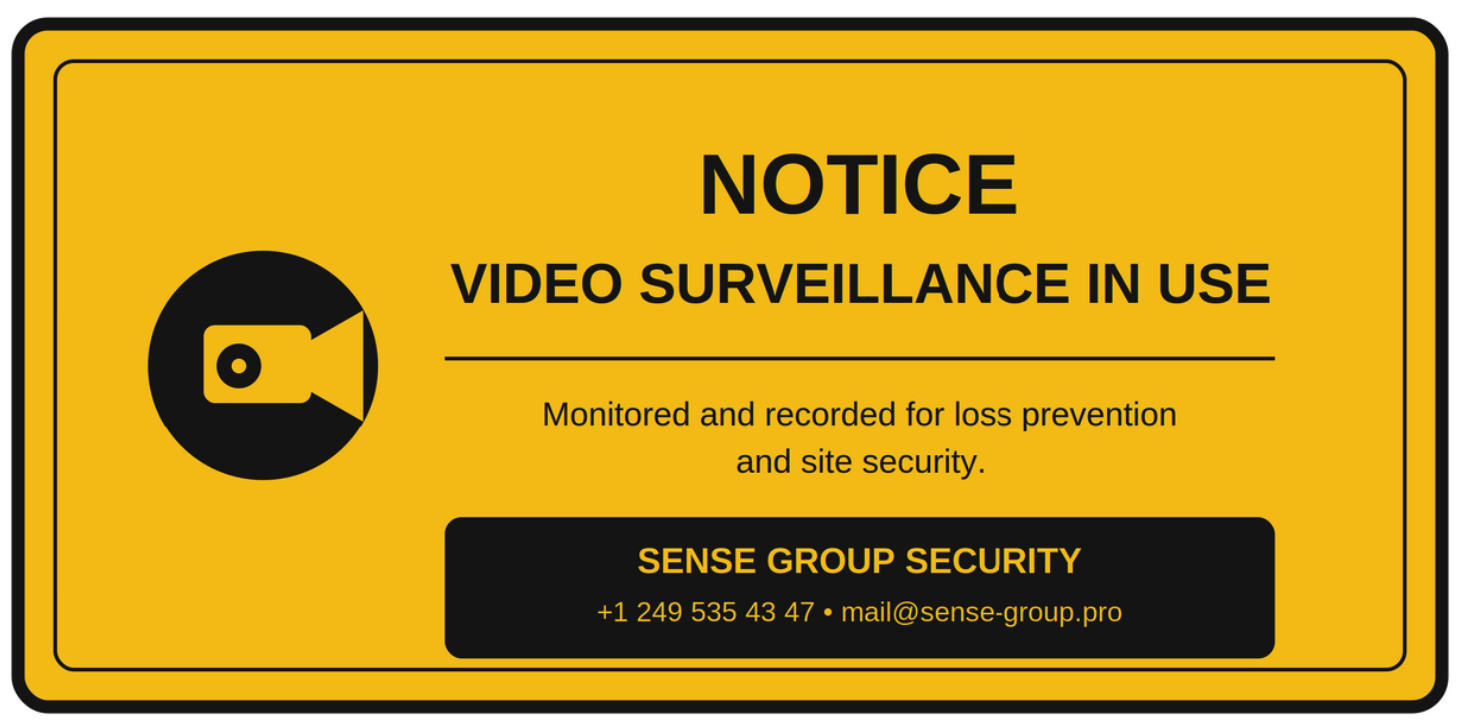
Signage is the part businesses get dinged for most. Signage is mandatory - PIPEDA requires you to inform people that surveillance is occurring before they enter a monitored area, and properly placed signs count as implied consent. A compliant sign has to do three things. It must state that video surveillance is in use, identify the purpose (loss prevention and site security is a common acceptable wording), and include the business name or a contact for questions and footage requests.
Placement of those signs matters too. Signs go at the entry point to the monitored area before people step into the recorded zone - a sign posted inside a warehouse past the entrance does not meet the requirement. And if you're running temporary cameras on a job site, the rules still apply: trailer- or pole-mounted setups must carry PIPEDA-compliant signage even on active construction sites, and subcontractor agreements should reference surveillance disclosure.
One procurement note for 2026. In 2023 the federal government barred its facilities from procuring or operating Hikvision and Dahua surveillance, and provincial governments including Ontario have increasingly followed. If you do any public-sector or government-adjacent work, choose NDAA-compliant brands from the start.
Step 7: Test, Document, and Maintain
The install isn't done when the cameras power on. We commission every system the same way: confirm each camera captures its intended zone, check night-vision performance in real low light, label every channel, and document the layout so troubleshooting later takes minutes, not hours. Then we set a maintenance rhythm - firmware updates, lens cleaning, and storage checks - because a camera you forget about is a camera that'll fail when you need it.
Quick Reference: What a Solid GTA Business Setup Looks Like
- Cameras: 4-16 PoE IP units to start, varifocal lenses, weather-rated for outdoor spots
- Recording: NVR with sized storage, or cloud-edge platform for multi-site
- Network: dedicated VLAN, strong passwords, scheduled firmware updates
- Brands: NDAA-compliant - Axis, Verkada, Ubiquiti, UNV
- Analytics: AI motion zones and alerts, tuned to cut false alarms
- Compliance: documented purpose per camera, signage at every entry point
- Coverage: entrances, POS/reception, high-value storage, parking entry
Getting It Set Up in Toronto and the GTA
A camera system is one of those investments where the planning and the network work matter as much as the hardware. You can absolutely tackle a small setup yourself, but once you're past a handful of cameras, dealing with VLANs, analytics tuning, and Ontario compliance, a professional install usually saves money in the long run by avoiding rework and blind spots.
That's our bread and butter. We handle security camera installation in Toronto and right across the GTA - from Mississauga warehouses to Barrie retail floors - with a free on-site assessment, enterprise-grade brands, and a 3-year warranty on our work.
If you want to know what working with us is actually like, don't take my word for it. We're one of the top-reviewed commercial installers in the region, and you can read our verified Google Business Profile reviews here. Then reach out and we'll scope your property properly.
Stay safe out there, Toronto.
- Vitaly Sukhina, Founder, Sense Group