Technology
Total 272 Posts
There are over 1900 episodes of Toronto Mike'd, with many running well over 90 minutes in length. Needless to say, that's a lot of data. I recently decided to move the show to a new host, and by host I mean server, not that thing that I do yakking into
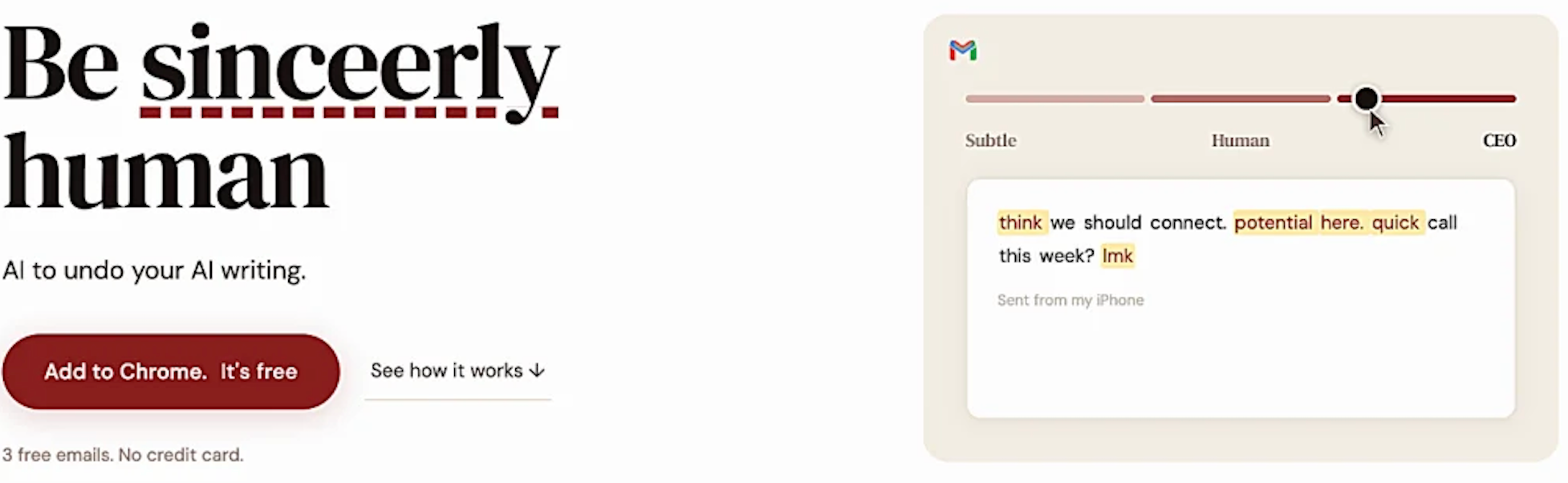
So many of you are turning to AI to write for you. Perhaps it's an email, or a podcast episode description, or a one-man-show, or even a eulogy or blog post. Almost daily I'm pitched AI tools that will do that for me, but here's the thing. I like to
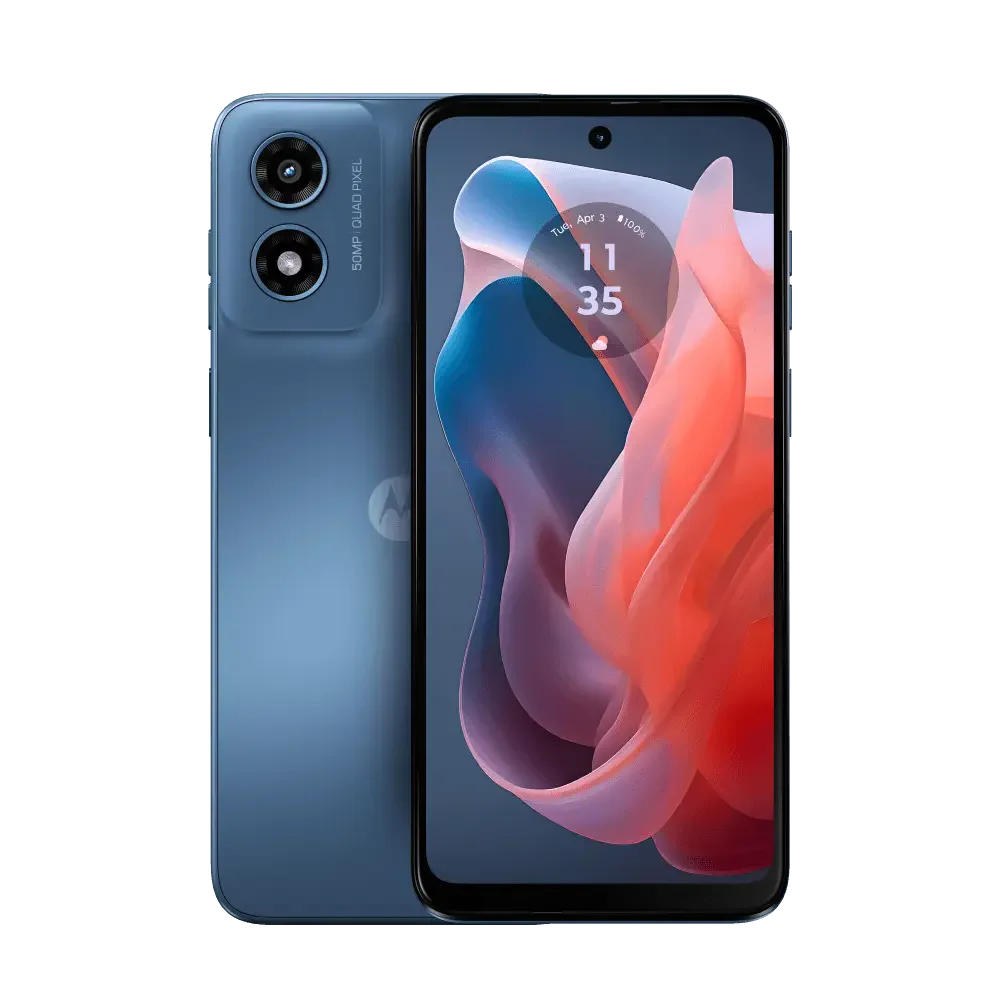
My phone for years was an LG G8 Thinq and all was well. Then, I got a deal I couldn't resist and bought a Google Pixel 7 and gave the LG G8 Thinq phone to my mom. She used that phone until Rogers advised her it didn't support 5G and
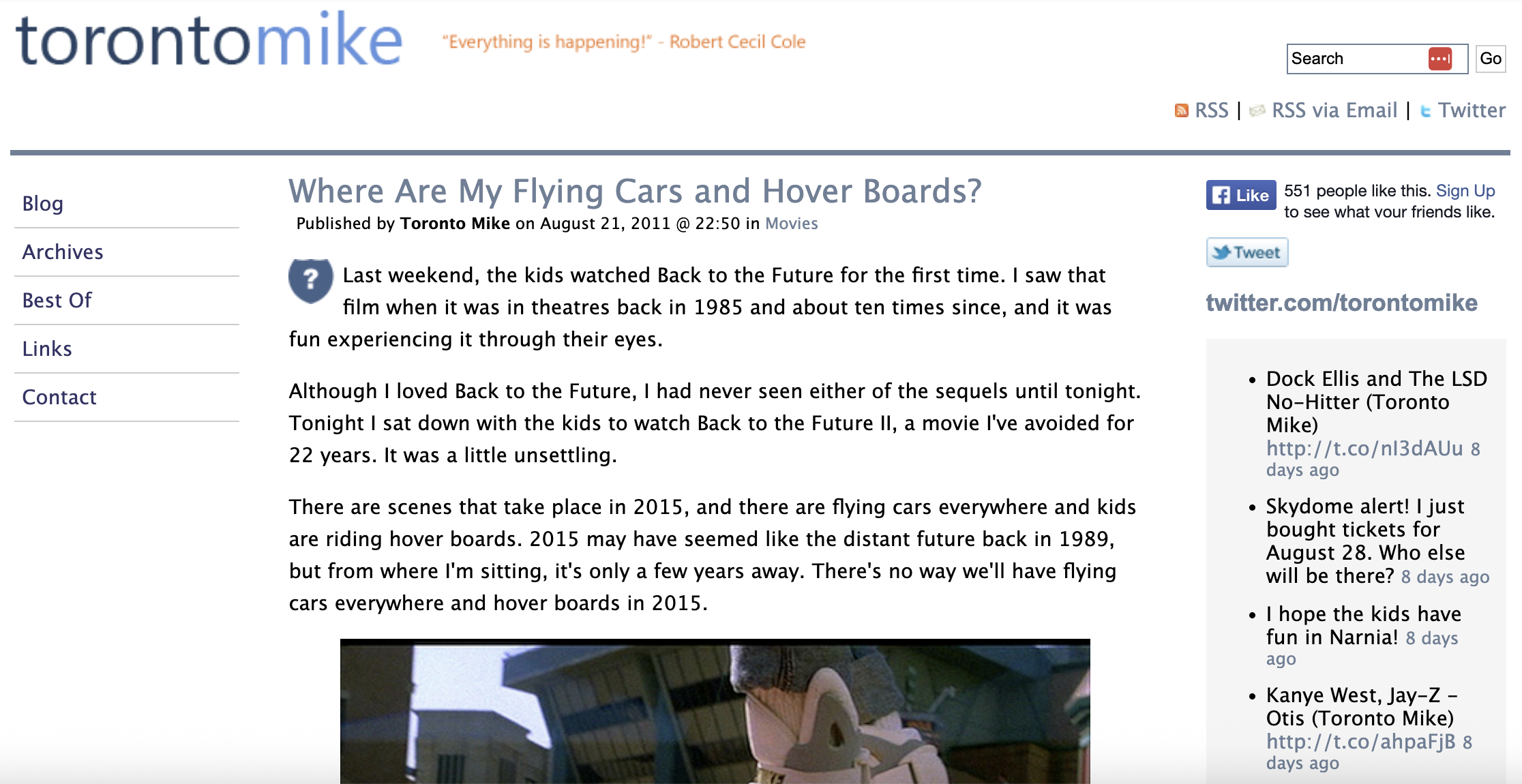
When I started this very website, it was a "personal home page". That's what we called it in the late-90s. You had to be there. Then, in 2002, the lightbulb lit up over my head. A burgeoning new format has emerged, and they were calling it a weblog, or blog
Now when you Google something, you get an AI Overview. I'm not sure what the point of this AI Overview is considering how often it's just plain wrong. Google's AI thinks FOTM Mike Stafford is the Mike hosting Toronto Mike'd. "Toronto Mike" refers to Mike Stafford, a well-known figure in
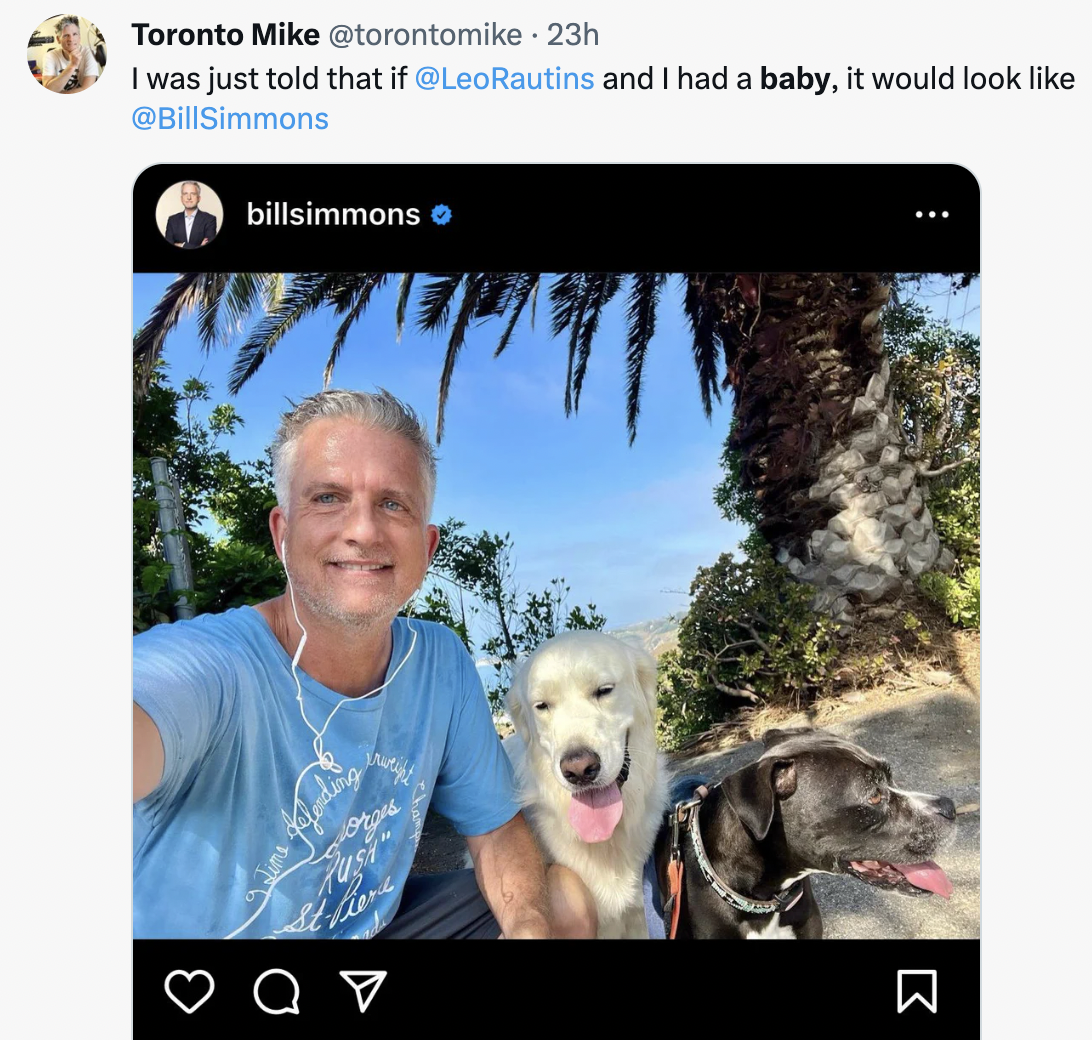
Yesterday, I was told that if Leo Rautins and I had a baby, the baby would grow up to look like Bill Simmons. So yeah, I tweeted about it. Somebody replied with a screen cap of a tweet that seemed to be ridiculing Bill Simmons for wearing wired headphones in
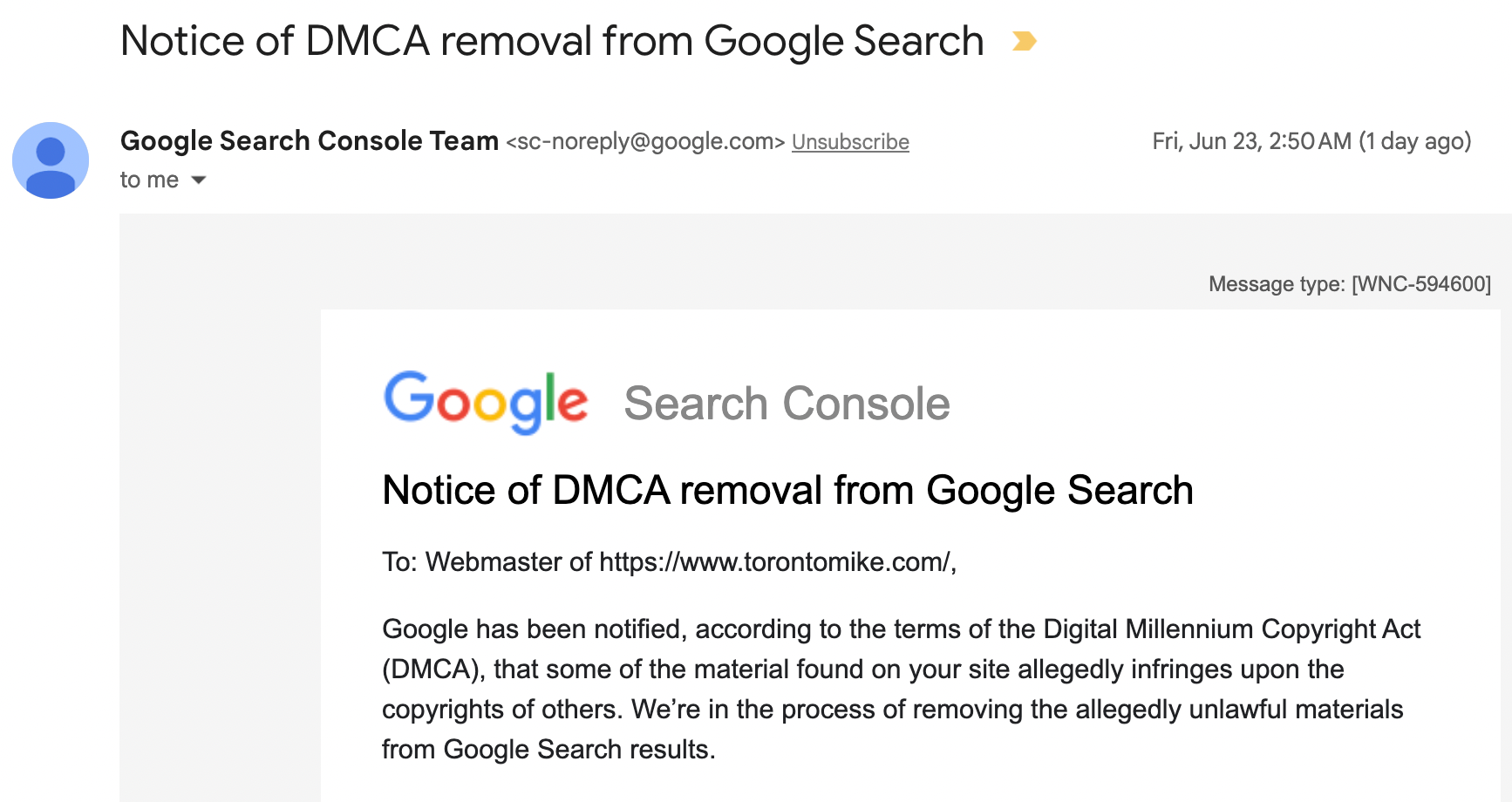
I received an email from Google the other day. The subject line read "Notice of DMCA removal from Google Search". That got my attention. Google has been notified, according to the terms of the Digital Millennium Copyright Act (DMCA), that some of the material found on your site allegedly infringes
Remember Feedburner? Google bought it in 2007 and then pretty much did nothing with it. I used to use Feedburner so people could subscribe to an email sourced from my blog's RSS feed. Why people don't just subscribe to the RSS feed, I'll never know, but over 100 people signed
Fifty years ago today, human beings walked on the Earth's moon for the first time. I was born too late to watch it all unfold live, but here's how it looked. All the great photos of man on the moon July 20, 1969 are of Buzz Aldrin, because Neil Armstrong
I'm old enough to remember a time when my phone battery would last the entire day. Seriously! I'd charge it while I slept, wake up with 100% and go to sleep without having to charge it once. That, sadly, is no longer the case. I always said I'd sacrifice phone
If you thought the Desktop vs. Mobile vs. Tablet entry was cool, you'll love this one. Here are the browsers used by visitors to this site in 2015: Chrome - 39.29%Safari - 29.33%Internet Explorer - 12.60%Firefox - 9.19%Android Browser - 2.40%
I'm in Google Analytics checking out stats for this site in 2015, so I thought I'd share a few details. This site is 13-years-old, so there was a time when 100% of visitors came from a desktop / laptop. Today, that's definitely not the case. Here are the stats for desktop,
The Nintendo Wii arrived for Christmas way back in 2007 and was an instant hit. If 2007 sounds like a long time ago, it's because it is. It's been eight years of Wii play in my home. The last few years, however, the Wii has primarily been used as a
Did you know your Facebook news feed was determined by a proprietary algorithm? Facebook looks at your level of engagement with the friend, the perceived value of the content, a whole bunch of stuff... then determines what it will serve up to you on your news feed. I've hated this
You shouldn't wear headphones while you bike. At least that's what I tell my kids. The fact is, when I'm biking alone, I always wear headphones. I used to wear the buds that come with your smartphone. Then, for my recent birthday in June, my wife surprised me with a
Prior to four years ago, my work machine always ran Windows. At home, I usually had a desktop running Ubuntu Linux, but the laptop was Windows XP for a solid decade. Then, I was issued a MacBookPro, and quickly learned to enjoy OS X. What I liked best about the
I have another question for the hivemind. What is the very best online storage? I'm speaking of Dropbox, Google Drive, iCloud, OneDrive and the like. Which do you use? Which is the best online media storage?
I'm not an Apple guy. We all know an Apple guy or two, in fact, you might be one. Some people get very excited about all things Apple and consume Apple's latest technology with religious fervor. I'm not that guy. Apple's introducing a watch. Appropriately enough, they're calling it the
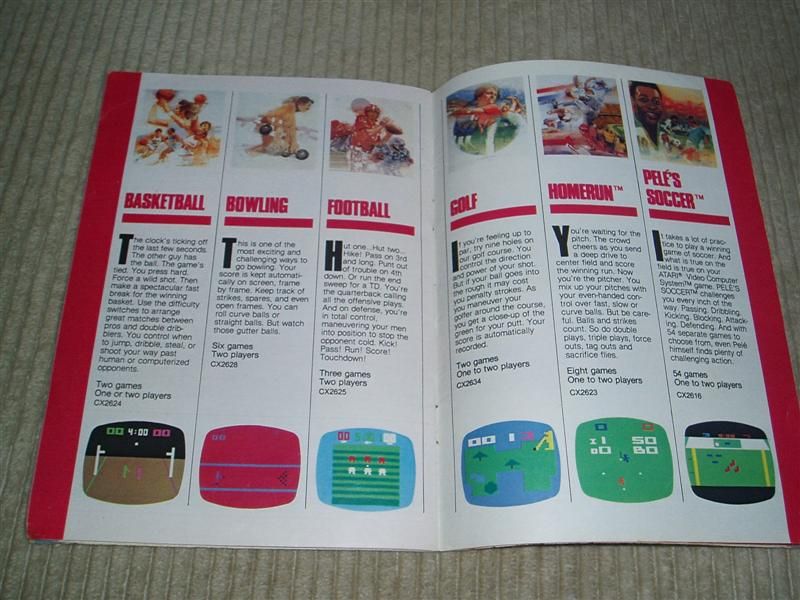
When I was a kid, I thought these graphics were amazing. I mean look at that basketball game! And check out the detail of that golf course! The future arrived to my home in 1981. These games were part of my Atari Catalogue featuring 45 games available for the Atari
BlackBerry has begun selling the BlackBerry Classic, a phone that looks an awful lot like the BlackBerries we knew and loved in 2009. There's a physical keyboard, navigation buttons and a trackpad. That leaves you with a 3.5-inch 720×720 screen. Nobody who already left Blackberry for an iPhone,
I have wireless, TV and internet services with Rogers. It's been three years since I got a mobile phone from Rogers, and under "Upgrade Your Phone" in My Rogers, I found this good news regarding my account. That's right, my device balance is $0.00 and I was told I
I use Google Drive to share a number of documents at work, including PDF documents. I'll share a Google Drive link with everyone, but when I update the file, I don't want that link to change. Updating the PDF without altering the Google Drive URL isn't nearly as intuitive as
Back in '93 and '94, AT&T released a series of "You Will" ads touting the future. For fun, watch them all in this compilation and see how accurate they were. Some of this they nailed. I attend meetings all week long in my bare feet with people on
I'll spend a little time on a desktop running Ubuntu and a tablet running Android, but otherwise it's always my work-issued MacBook Pro or my LG G2 phone. It's been a while since I played with Windows on a laptop and I've never used Windows on a tablet. That's why
The first time I ever saw a VCR it was rented for a friend's birthday party and we watched Star Wars. A couple of years later, we bought our first VCR. We went with VHS, even though the local video store guy carried titles in VHS and Beta. Soon thereafter,